
Beat Studio 1.8: Turn Any Song Into a Drum Kit
Beat Studio 1.8 builds a playable drum kit from a song's drum stem, adds round-robin samples, softer velocity layers, crash detection and in-app MIDI mapping.
This version brings something a little different.
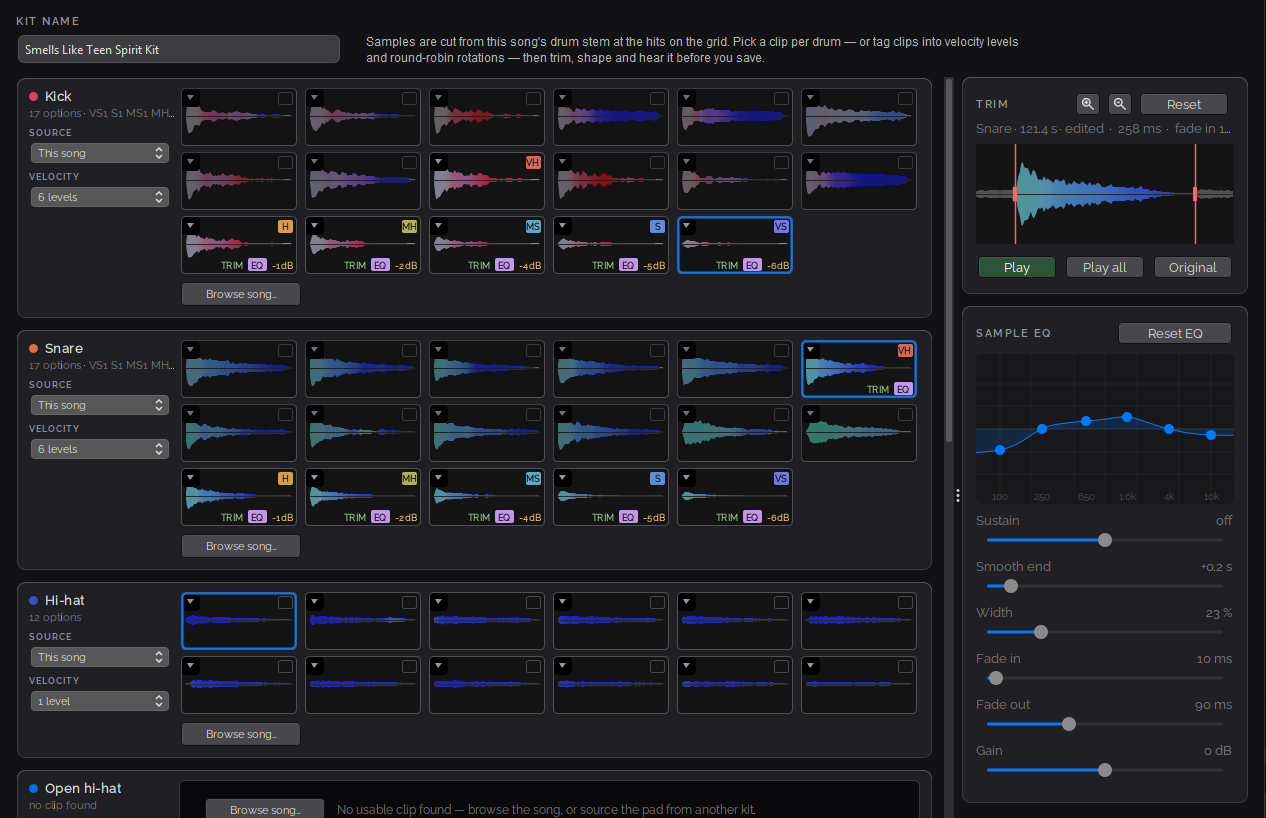
Have you ever wanted to play Dave Grohl’s drum sound from “Smells Like Teen Spirit”? Now you can. This update lets you extract both the pattern and the drum sounds from a song — build a custom kit from the drum stem, fine-tune each sample, and play it on your own kit.
Create a custom kit from a song
New feature: splice individual drum pad sounds directly from a song’s imported drum stem and build a playable kit from them. Beat Studio cuts the samples automatically at the hits on the grid; you pick a clip per drum, or tag clips into velocity levels and round-robin rotations.
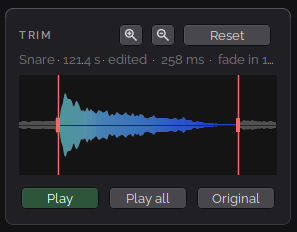
Per-sample fine-tuning. Basic editing tools let you polish each spliced sample. Trim the sample to remove excess sound:
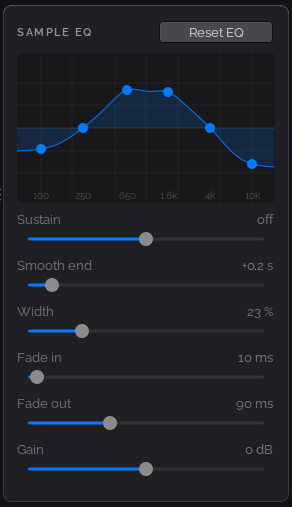
Then adjust the EQ and other settings to improve the sound. The Smooth end option adds a natural decay.
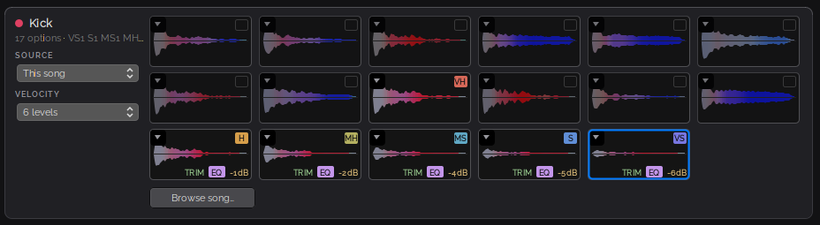
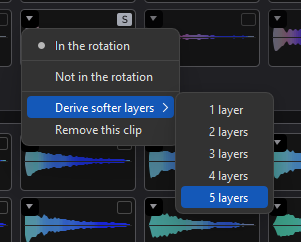
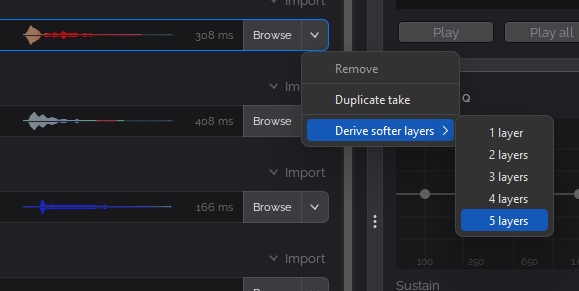
Softer velocity layers. Songs often don’t include hits at different velocities, so you can simulate them: create 1 to 5 softer layers from a single sample with one click, so soft hits sound soft and hard hits stay hard.
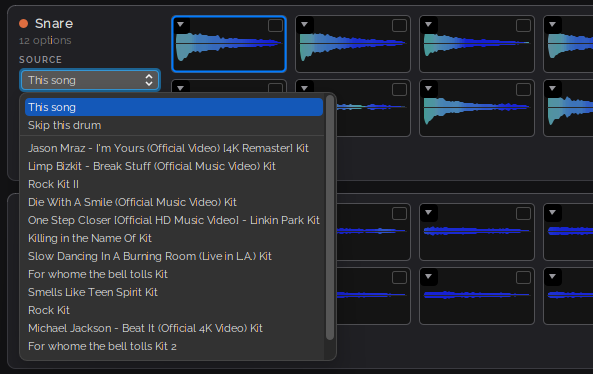
Borrow pads from other kits. Import individual pad sounds from any other kit. This is handy for cymbals, which are hard to extract from a drum stem with their full sustain — take the crashes and rides from a factory kit while keeping the song’s own kick, snare and toms.
One thing to keep in mind: drum stems come from a full song mix, so they don’t always sound natural on their own — often a bit too bright, and sometimes only some samples end up being usable. It’s worth trying different samples, trims and EQ settings. Smooth end adds a natural decay to samples that cut off mid-sustain.
Custom kit editing
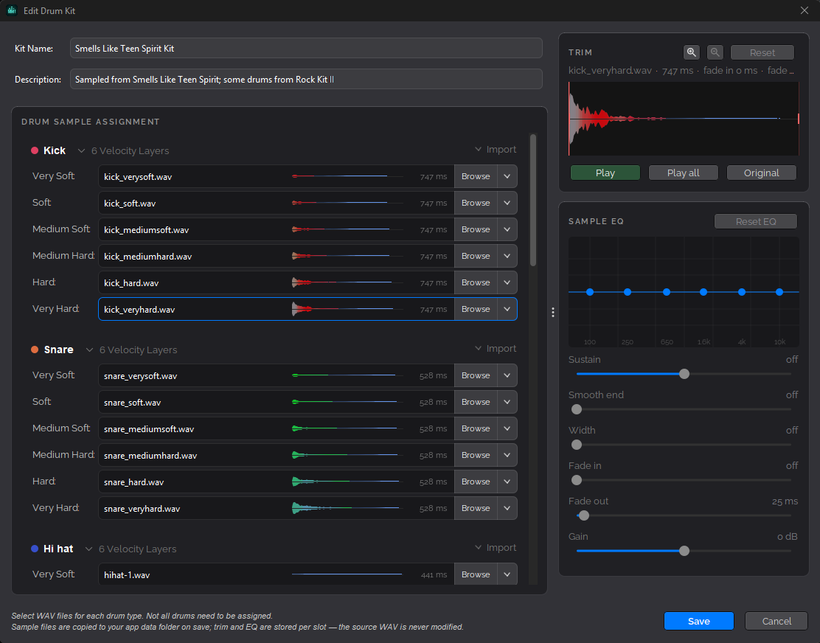
Redesigned kit editor. The kit edit dialog has a refreshed look and now includes the same audio editing tools as the create-kit-from-song workflow.
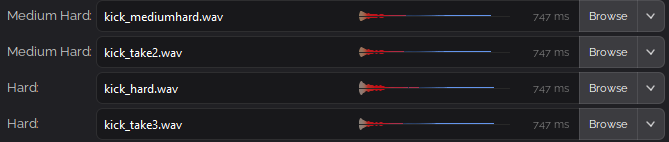
Round-robin samples. Kits now support round-robin samples, so repeated hits can alternate between variations for a more natural sound. Two samples on the same velocity level alternate as round-robin variations.
Softer layers here too. Derive 1 to 5 softer takes from a single sample with one click, just like in song kit creation.
Pattern editor: Extract tool
Back in 1.6.0-BETA I said I’d come back to the Extract tool. Here it is:
- Crash cymbal detection. Automatic pattern detection now recognizes crash hits, identifying them by their long sustain (shown in blue on the colorized waveform).
- Tempo map creation. Extraction now builds a tempo map from the audio, so detected hits land much closer to the grid.
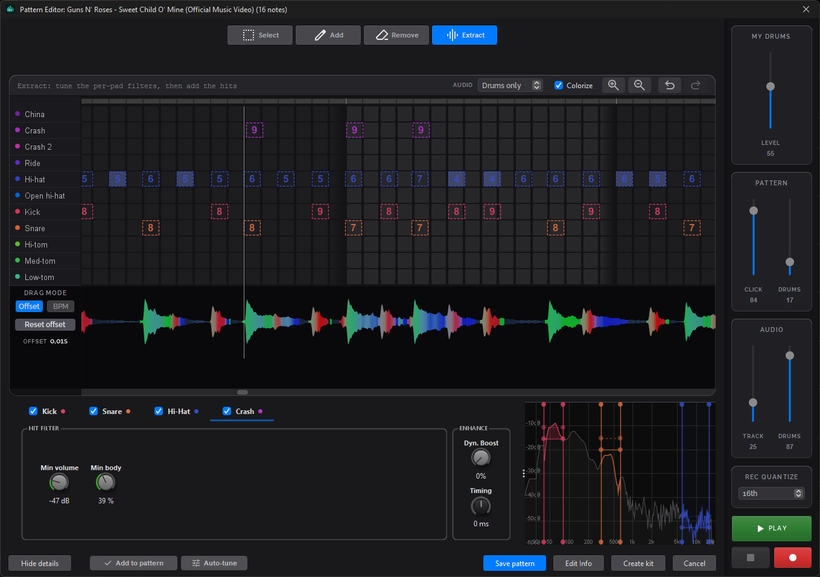
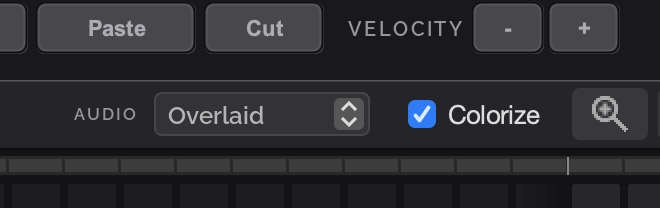
Waveform colorize option. The audio waveform can now be colorized by its dominant frequency bands, so you can spot kicks (red/purple), snares (green/cyan) and cymbal wash (blue) at a glance.
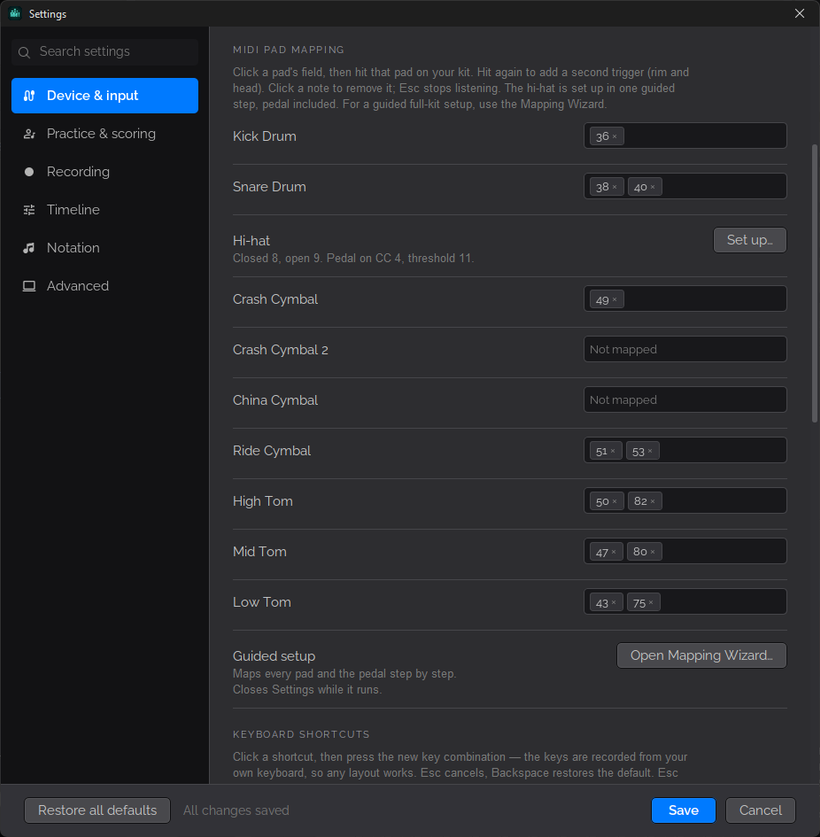
MIDI mappings
MIDI mappings can now be edited directly in the Settings dialog, without going through the MIDI mapping wizard.
Other
- The kit you used last is now remembered and loaded at startup.
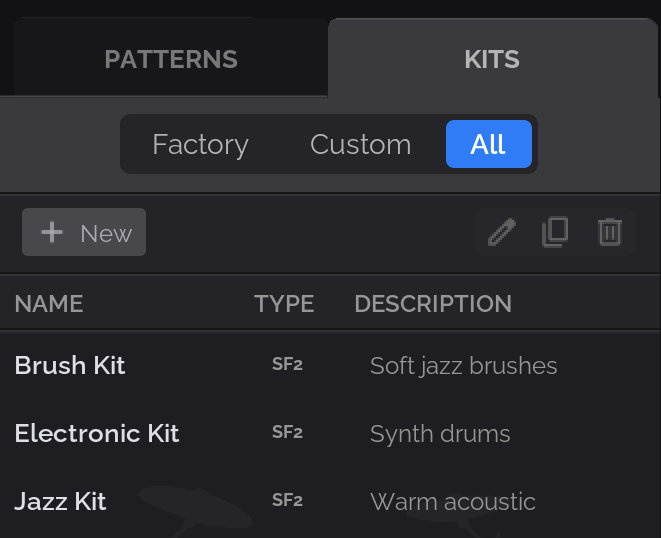
- Simplified kit filtering.
That’s 1.8. Download links are in separate posts on Patreon.